Building a basic sentiment analyzer with Claude, DSPy, and friends
So we kick off 2026 with GenAI. I’ve been playing around and building RAG / LLM-powered apps lately, and I thought I’d share my journey of creating a simple sentiment analyzer that’s actually (somewhat) ready for the real world. This is just a quick demo, but also something with proper optimization, safety guardrails, and evaluation.
I built this incrementally, one piece at a time, and I think that’s the best way to learn this stuff. Let me walk you through it.
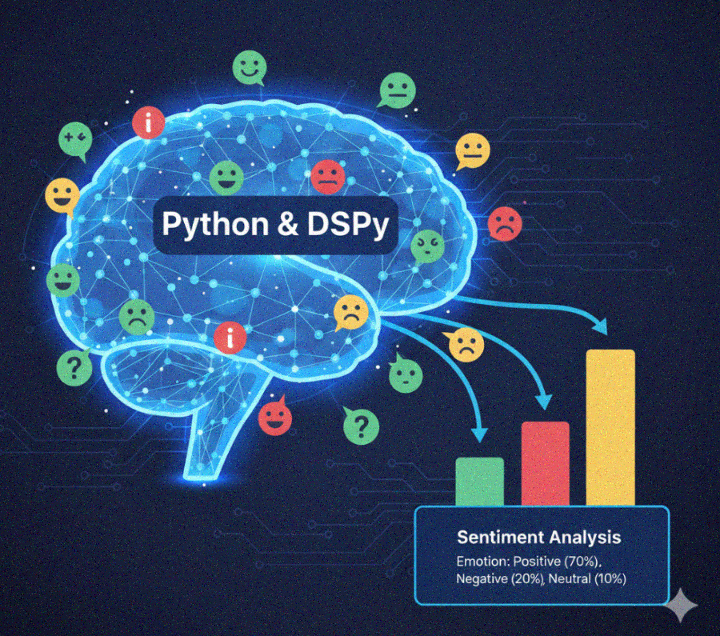
What We’re Building
A CLI tool that analyzes text sentiment (POSITIVE, NEGATIVE, or NEUTRAL) using Claude. We’re going to make it:
- Smart - automatically learns from examples to get better
- Safe - blocks profanity, PII, and other stuff you don’t want
- Observable - tracks every prompt and response
- Evaluated - actually measures if it’s working correctly
Step 1: DSPy - Declarative Prompts
Prompts are string, but we want to deal with testable “objects” or functions. Instead of writing prompts as strings (which gets messy fast), I used DSPy. It lets you define what you want declaratively:
import dspy
class SentimentSignature(dspy.Signature):    """Analyze the sentiment of text."""
    text: str = dspy.InputField(desc="The text to analyze")    sentiment: Sentiment = dspy.OutputField(desc="The sentiment classification")    explanation: str = dspy.OutputField(desc="Brief explanation for the classification")
That’s it. No prompt engineering with string templates. DSPy figures out the prompting for you.
The analyzer itself is a DSPy module:
class SentimentAnalyzer(dspy.Module):    def __init__(self, model: str = "anthropic/claude-sonnet-4-20250514"):        super().__init__()        dspy.configure(lm=dspy.LM(model))        self.predict = dspy.Predict(SentimentSignature)
    def forward(self, text: str) -> dspy.Prediction:        return self.predict(text=text)
Code is now clean and typed.
Step 2: The Optimizer - Teaching the Model with Examples
This is the cool part. DSPy has this thing called BootstrapFewShot that automatically finds good few-shot examples for your task.
I created a dataset of 100+ sentiment examples:
[ { "text": "I absolutely love this product!", "sentiment": "POSITIVE" }, { "text": "This is the worst experience ever.", "sentiment": "NEGATIVE" }, { "text": "The package arrived Tuesday.", "sentiment": "NEUTRAL" }]Then ran the optimizer:
from dspy import BootstrapFewShot
def sentiment_metric(example, prediction, trace=None) -> bool:    """Did we get the sentiment right?"""    return prediction.sentiment == example.sentiment
optimizer = BootstrapFewShot(    metric=sentiment_metric,    max_bootstrapped_demos=4,    max_labeled_demos=4,)
optimized = optimizer.compile(predictor, trainset=trainset)optimized.save("optimized_sentiment.json")
What this does is find examples from your training set that, when included in the prompt, make the model perform better. It’s like automatic prompt engineering.
The results? My baseline accuracy is better after optimization. The model just… got better at the task. No manual prompt tweaking required.
Step 3: Evaluation
Getting the sentiment right is one thing, but what about the explanations? Is the model making stuff up?
Enter RAGAs (Retrieval Augmented Generation Assessment). It has a “Faithfulness” metric that checks if responses are grounded in the source text.
from ragas import evaluatefrom ragas.metrics._faithfulness import Faithfulness
eval_results = evaluate(    dataset=dataset,    metrics=[Faithfulness()],    llm=evaluator_llm,  # Using Haiku as judge (faster/cheaper))
A faithfulness score of 100% means the explanation only references things actually in the input text. Lower scores = the model is inventing reasons.
This caught a few cases where my model was being creative with its explanations. Not cool.
Step 4: Guardrails - Don’t Let Bad Stuff In (or Out)
This is where it gets production-ready. I used Guardrails AI to add input and output validation.
First, some custom validators:
from guardrails.validators import Validator, register_validator
@register_validator(name="no_profanity", data_type="string")class NoProfanity(Validator):    def validate(self, value, metadata={}):        if not profanity.contains_profanity(value):            return PassResult()        return FailResult(            error_message="Input contains prohibited content. Please rephrase."        )
@register_validator(name="no_pii", data_type="string")class NoPII(Validator):    """Blocks emails, phone numbers, SSNs"""    PII_PATTERNS = {        "email": r"[a-zA-Z0-9._%+-]+@[a-zA-Z0-9.-]+\.[a-zA-Z]{2,}",        "phone": r"\b(\+?1[-.\s]?)?(\(?\d{3}\)?[-.\s]?)?\d{3}[-.\s]?\d{4}\b",        "ssn": r"\b\d{3}[-.\s]?\d{2}[-.\s]?\d{4}\b",    }    # ... validation logic
Then chain them together:
from guardrails import Guard
self.input_guard = (    Guard()    .use(NoProfanity(on_fail="exception"))    .use(NoPII(on_fail="exception"))    .use(NoCompetitors(competitors=COMPETITORS, on_fail="exception")))
self.output_guard = Guard().use(    ValidChoices(choices=["POSITIVE", "NEGATIVE", "NEUTRAL"], on_fail="exception"))
Now the analyzer:
- Blocks profanity and toxic content
- Blocks PII (emails, phone numbers, SSNs)
- Blocks competitor mentions (configurable list)
- Validates output is one of the allowed sentiments
Try to sneak in “What do you think about ChatGPT?” and you’ll get rejected. Try to analyze “Call me at 555-123-4567” and it blocks the PII. The output guard ensures the model can’t return “SOMEWHAT_POSITIVE” or whatever - only valid values.
The Final Architecture
Here’s what we ended up with:
User Input ↓[Input Guardrails] ← Blocks: profanity, PII, competitors ↓[DSPy SentimentAnalyzer] ← Uses optimized few-shot examples ↓[Output Guardrails] ← Validates: sentiment is POSITIVE/NEGATIVE/NEUTRAL ↓Result (sentiment + explanation) ↓Optional [MLflow] ← Logs everything for observabilityThe Stack used
- Claude (Anthropic) - The LLM doing the heavy lifting
- DSPy - Declarative prompt programming
- Guardrails AI - Input/output validation
- RAGAs - Evaluation metrics
- better-profanity - Profanity detection
- mlflow - Instrumentation / tracing
- uv - Fast Python package management
Learnings
-
DSPy is great - It helps to stop writing prompts as strings. Declare what you want and let the framework handle the rest.
-
Optimization actually works - BootstrapFewShot found examples that improved accuracy without me manually curating prompts.
-
Always validate your outputs - LLMs can return unexpected things. Guardrails catches that.
-
Evaluation is not optional - RAGAs faithfulness metric caught hallucinations I would have missed.
Full code in on GitHub. Happy building!